Cai Xukun
Official concept art
Preview image source: Fei-Away/Codex-Dream-Skin (official concept art).
This theme depicts a real public figure and is a fan creation shown for illustration only. Portrait rights and all related rights belong to the individual and their rights holders; this is not an endorsement by them. Confirm licensing before any commercial use or redistribution.
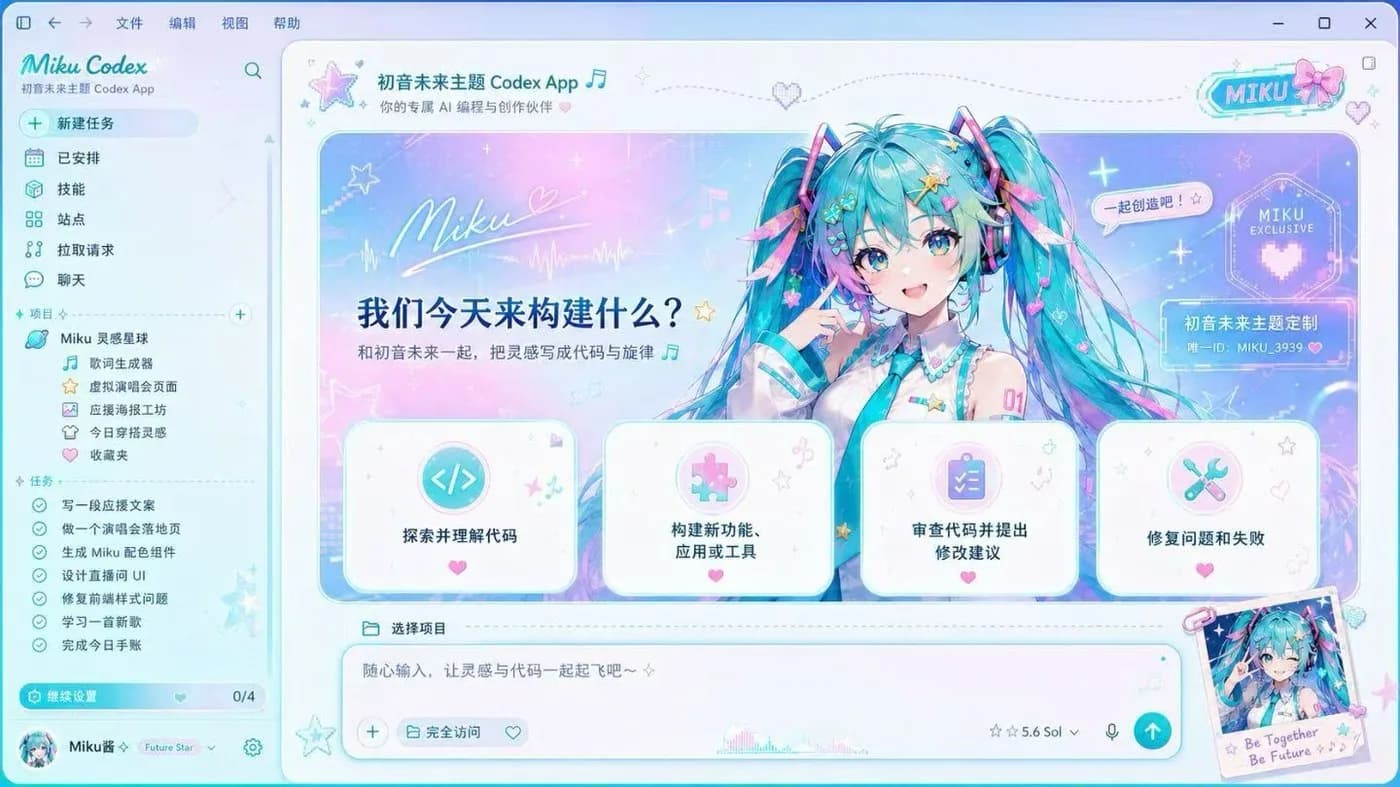
The Cai Xukun (KUN) Codex skin is the dark one. Black-and-gold stage lighting runs the length of the OpenAI Codex desktop app, spotlight bokeh and jasmine details frame the hero panel, a gold script signature sits in the corner, and the project tree is themed around his tours and releases. It is one of the celebrity-tribute Codex skins that made this whole category take off in the Chinese community.
It is the only skin in the gallery built on a dark base, and it is done properly: the panels are dimmed rather than tinted, so code, the sidebar and the task list keep full contrast against the black backdrop instead of fighting it.
It installs on macOS and Windows through the open-source Codex Dream Skin project and is free. Copy the install prompt below into Codex and it will read the upstream repository and apply the skin itself, or use the manual guide for your platform. Restoring the plain Codex interface takes one command.
Install with one prompt
Paste this into Codex and it will install the skin itself (agent-native install):
Read the repository https://github.com/Fei-Away/Codex-Dream-Skin and install Codex Dream Skin on this machine with the "Cai Xukun" style theme. Follow the platform folder (macos/ or windows/) instructions, verify the skin is active, then tell me how to restore the stock look.