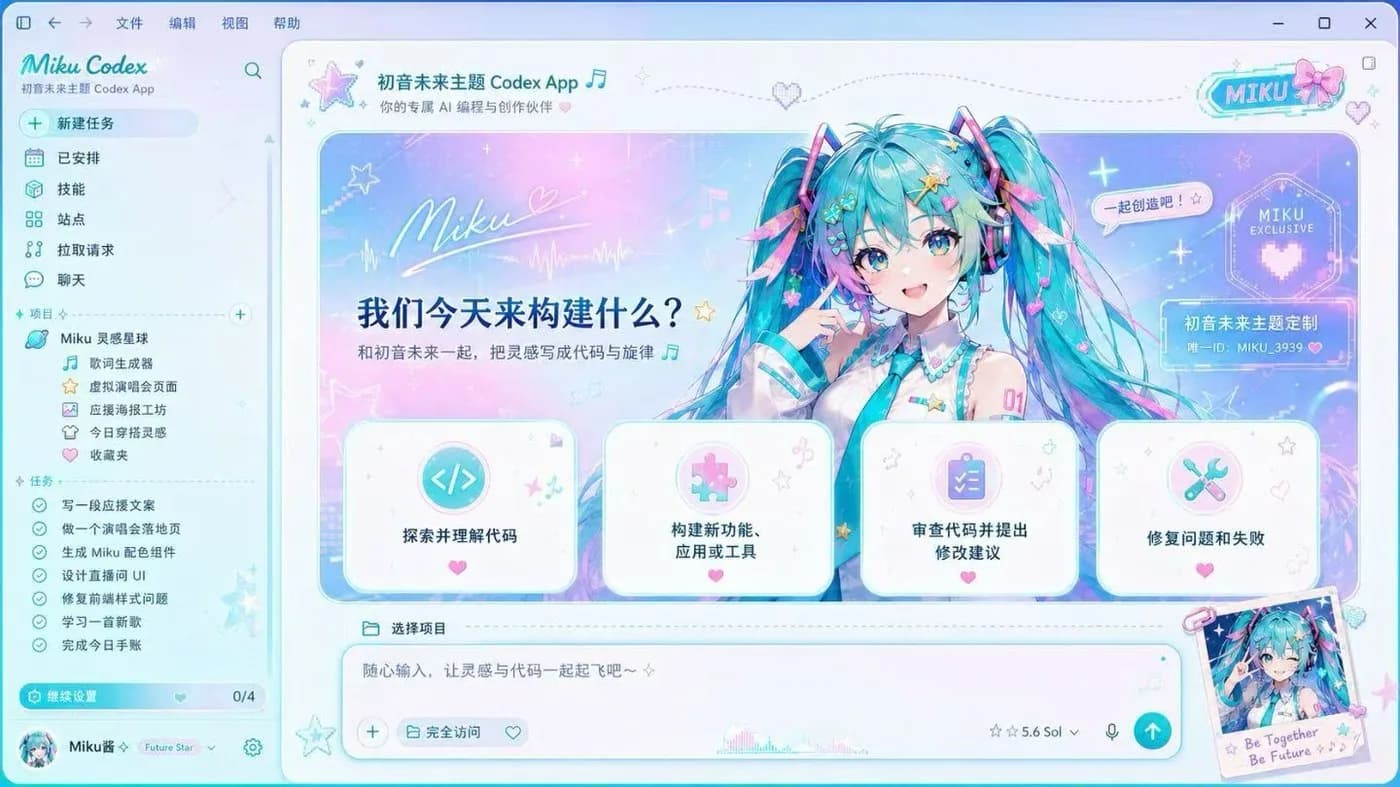
Inspiration Universe
Official concept art
Preview image source: Fei-Away/Codex-Dream-Skin (official concept art).
The Inspiration Universe Codex skin is the MBTI theme of the set: an ENFP banner across the top of the OpenAI Codex desktop app, a hand-drawn character caught mid-idea, and sticker-style cards labelled brainstorm, rapid prototype, play-and-tweak and happy bug fixing. Even the project tree is themed around an idea lab instead of a repository.
It is the brightest skin here without being unusable: a cream paper background, pastel accents and dark text throughout, so code, diffs and the composer stay perfectly legible while the workspace stops looking like a terminal.
Like every skin in this gallery it comes from the open-source Codex Dream Skin project, runs on macOS and Windows, and is free. Paste the install prompt below into Codex and it installs itself from the upstream repository; the manual guides cover the same steps by hand if you prefer. The stock Codex interface is one command away whenever you want it back.
Install with one prompt
Paste this into Codex and it will install the skin itself (agent-native install):
Read the repository https://github.com/Fei-Away/Codex-Dream-Skin and install Codex Dream Skin on this machine with the "Inspiration Universe" style theme. Follow the platform folder (macos/ or windows/) instructions, verify the skin is active, then tell me how to restore the stock look.